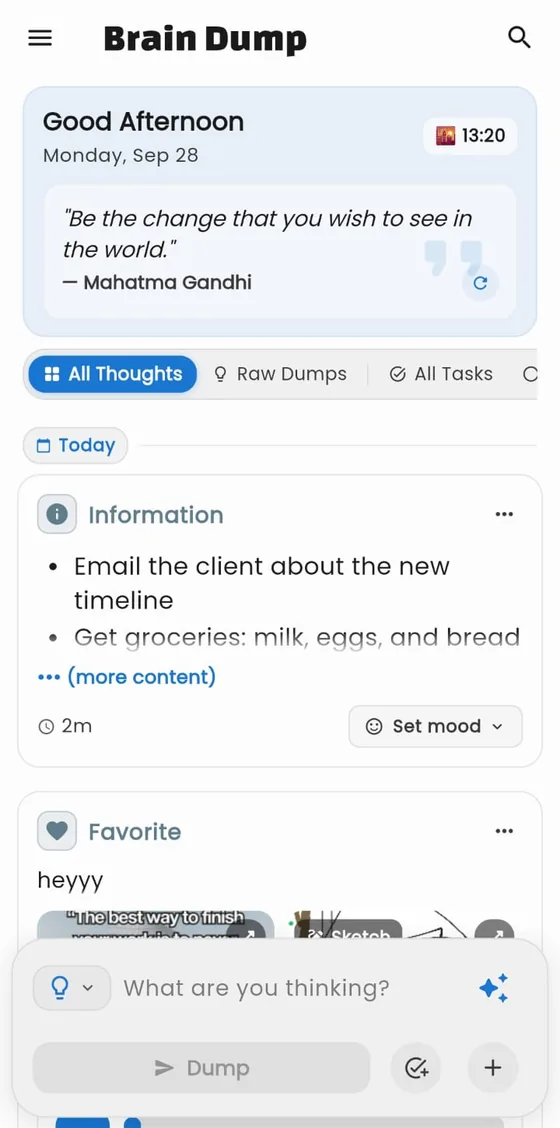
Dump it all, any way you like
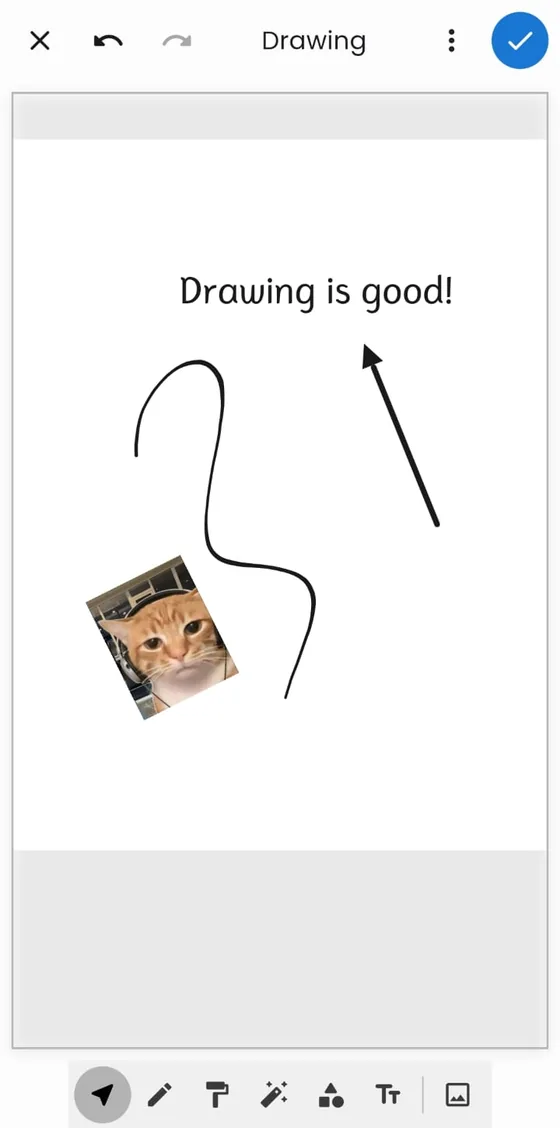
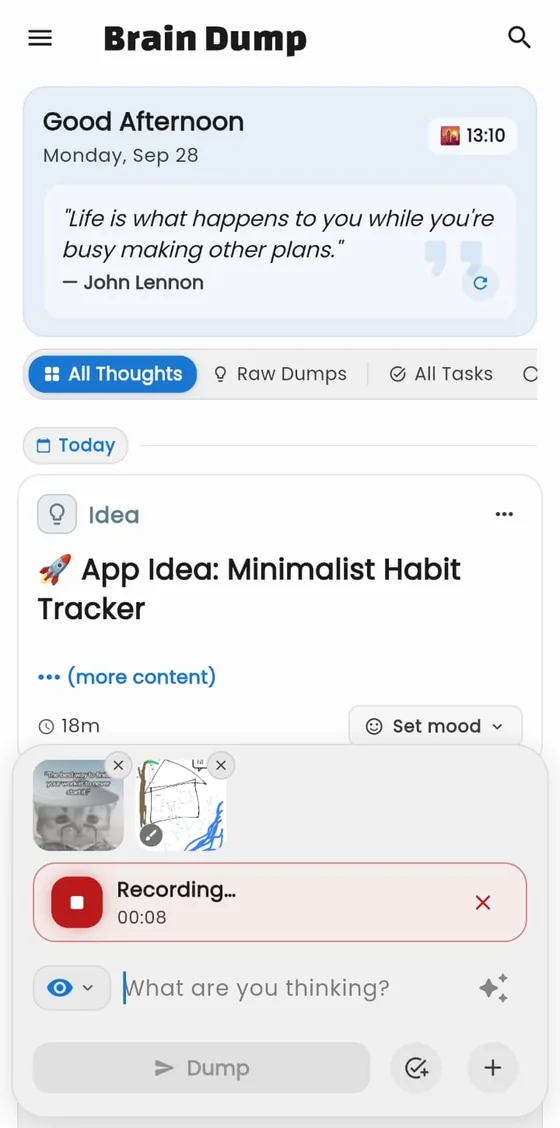
Type with Markdown, record a voice memo, snap a photo or sketch an idea, and attach it all to a single thought in seconds.
- Markdown
- Voice memos
- Photos
- Sketches
Free on Google Play · Android
Brain Dump is the calm place to empty your head. Capture notes, voice memos, sketches and moods in seconds, turn them into tasks you can actually finish, and keep every word private on your own device.
Everything in one place
No folders to file, no setup to survive. Dump first. Brain Dump helps you sort it out later.
Type with Markdown, record a voice memo, snap a photo or sketch an idea, and attach it all to a single thought in seconds.
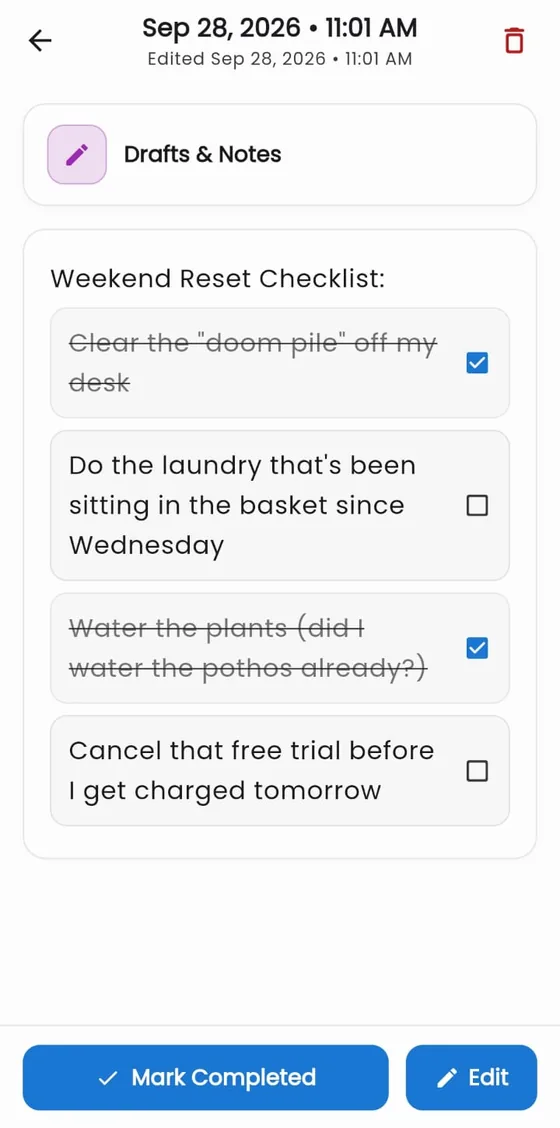
Turn any thought into a checklist with nested subtasks. Tick the last one and it’s marked done automatically.
Essentials, emotions, activities, food, travel… give every thought an icon and a home without creating a single folder.
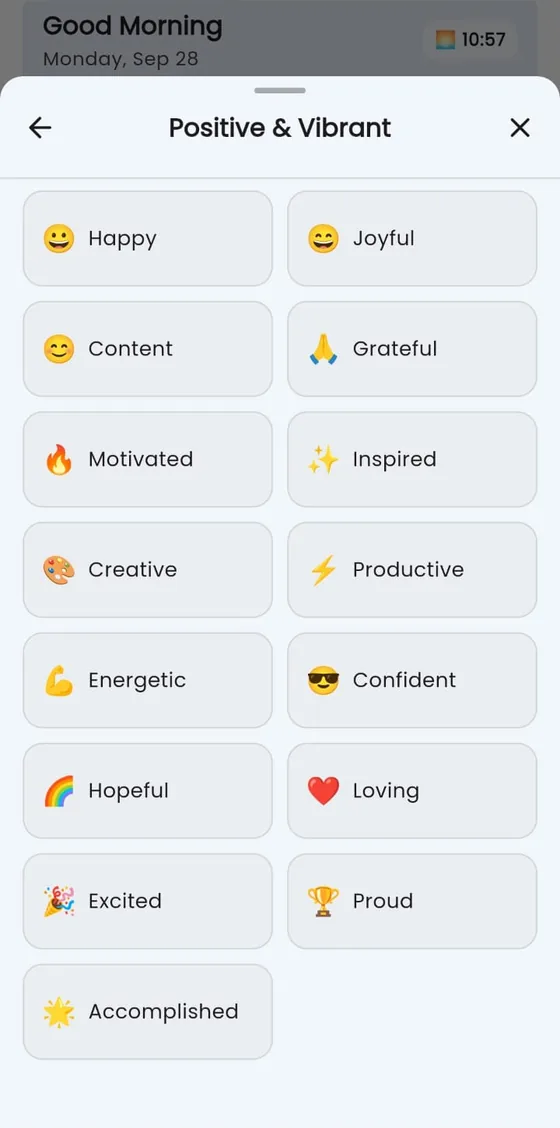
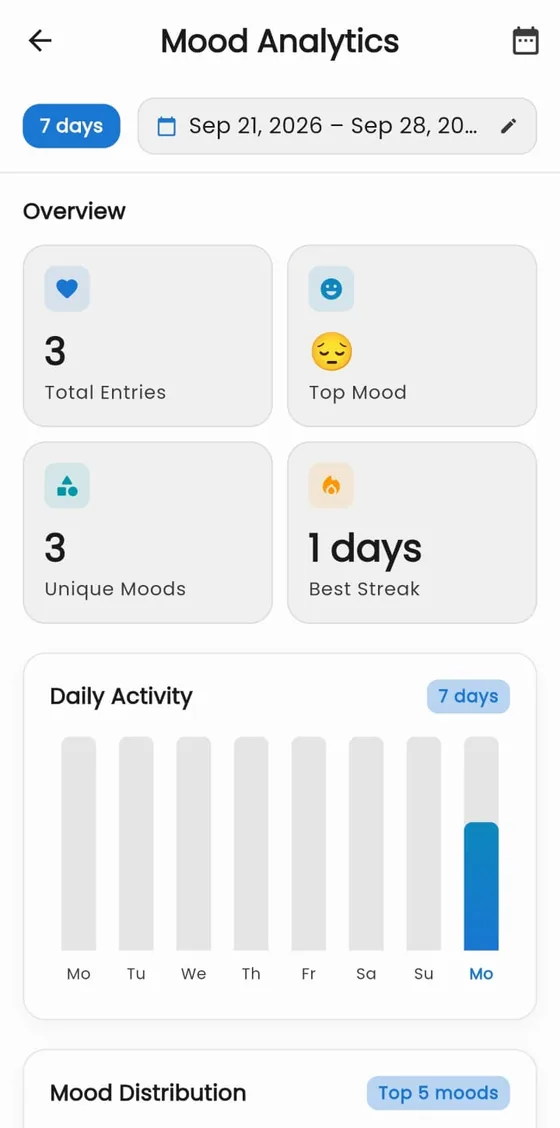
Tag thoughts with a mood across four categories, then watch your patterns emerge.
Tap a feelingHow are you, really?
A built-in canvas with pens, shapes, text and images. Doodle, annotate, attach.
Mood and task analytics with streaks, daily activity and completion rates.
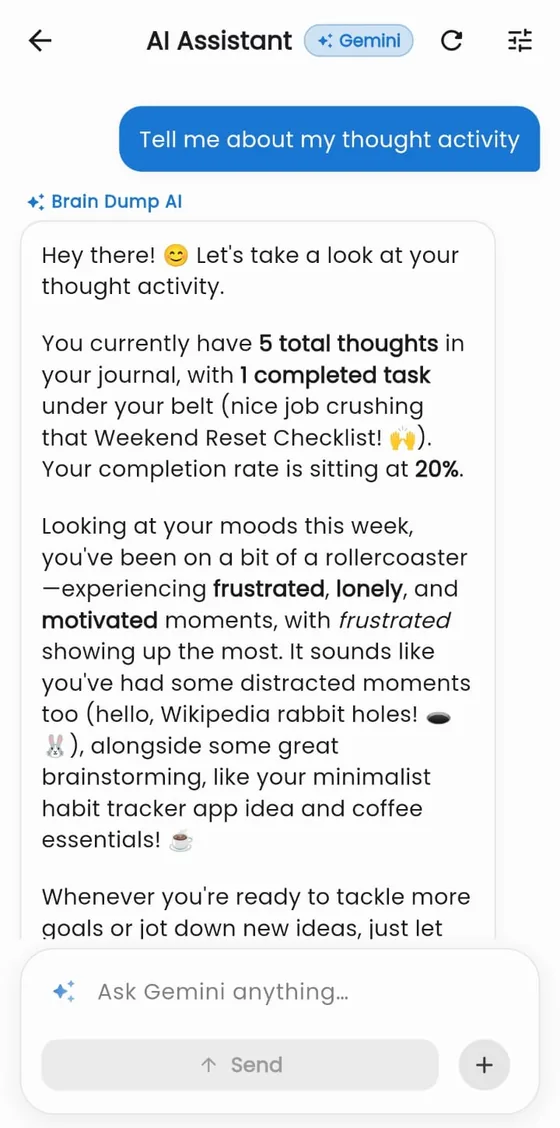
Optional Gemini AI can furnish a rambling brain-dump into clean, structured notes. You review every change, then choose Keep mine or Replace.
Bring your own free Gemini API key. It stays on your device.
ok so need to email the client about the new timeline also get groceries milk eggs bread dont forget the bread this time and call mom back she called yesterday but i forgot. oh and the software subscription cancels on the 14th so do that before they charge me 50 bucks again!!!
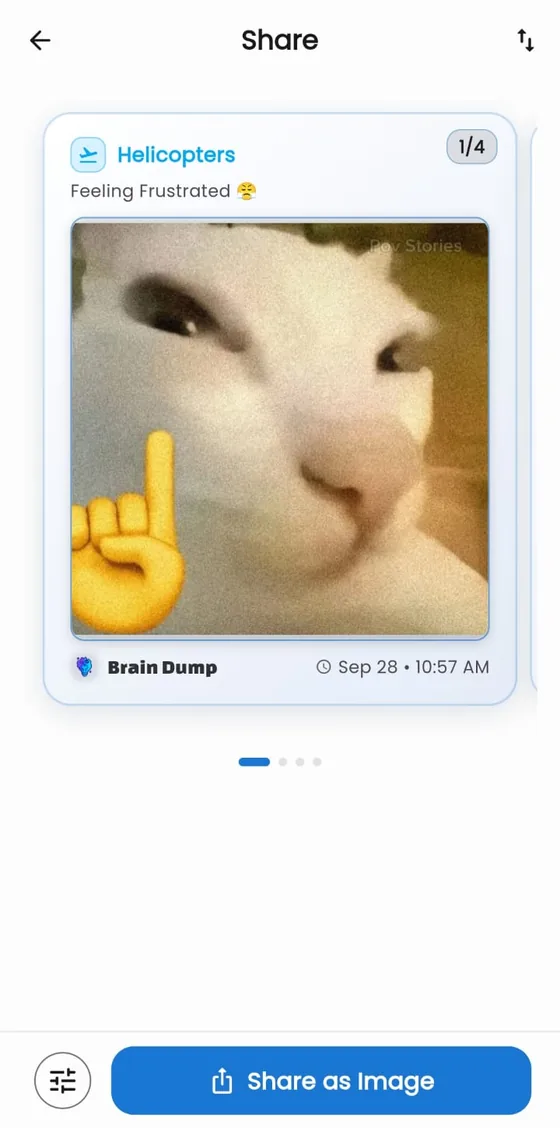
Export any thought as a polished image or a document, or back everything up in an encrypted file.
See it in action
A real look at the app. Every screen below is straight from Brain Dump.
Type, speak, snap or sketch. Markdown, voice memos and photos all live in one dump.
How it works
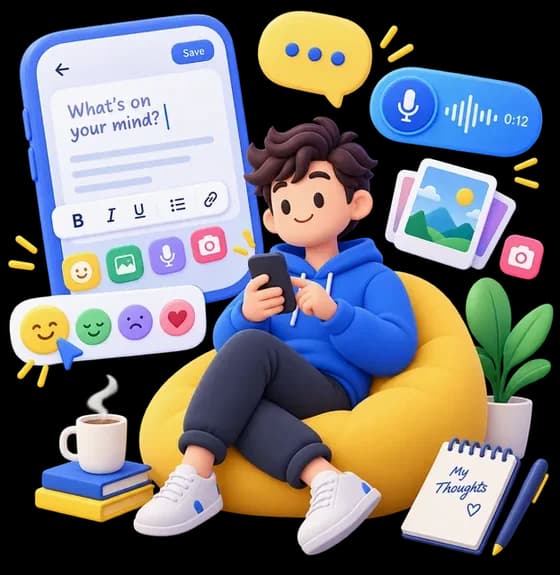
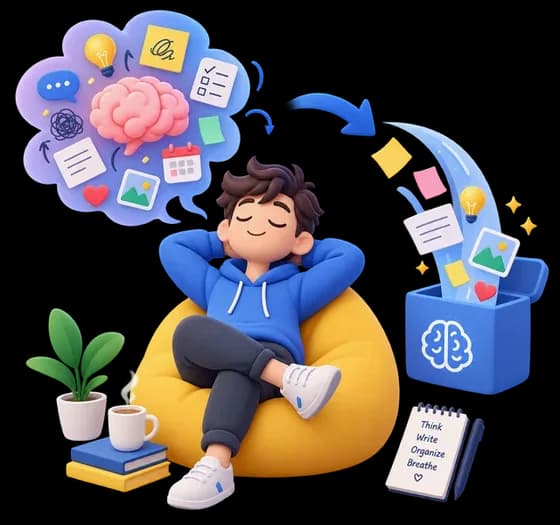
Open the app and dump whatever’s on your mind: a messy paragraph, a voice note, a photo of the whiteboard. No structure required.
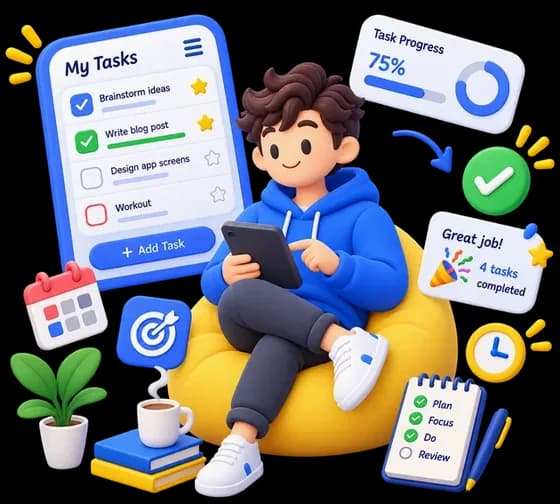
Give it a type, tag a mood, or turn it into a checklist with subtasks. Let optional AI tidy up the rough edges.
Tick things off, watch your streak grow, and enjoy that small hit of “Task completed!” until your head finally feels clear.
Private by design
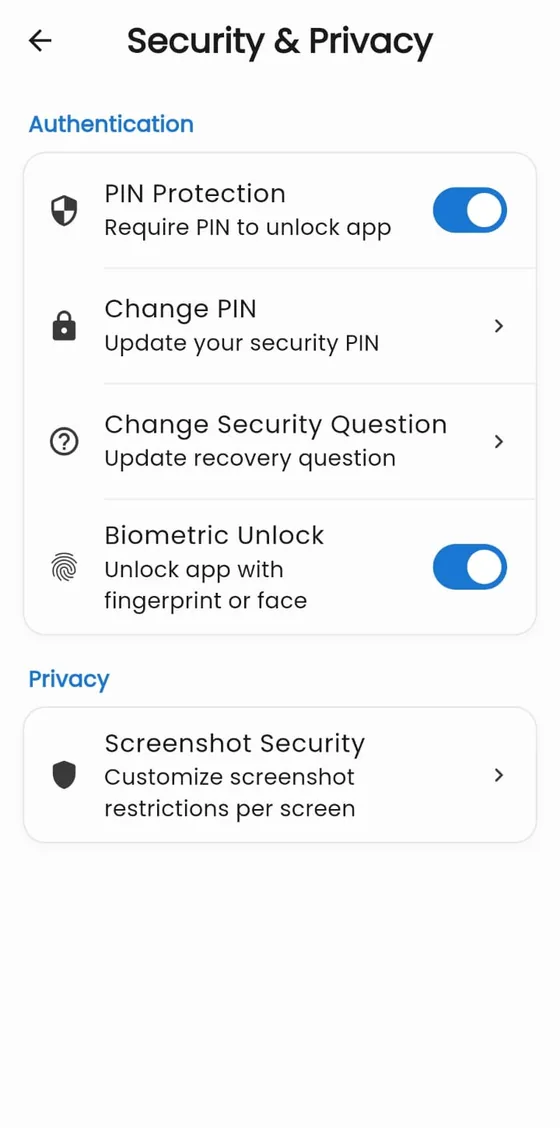
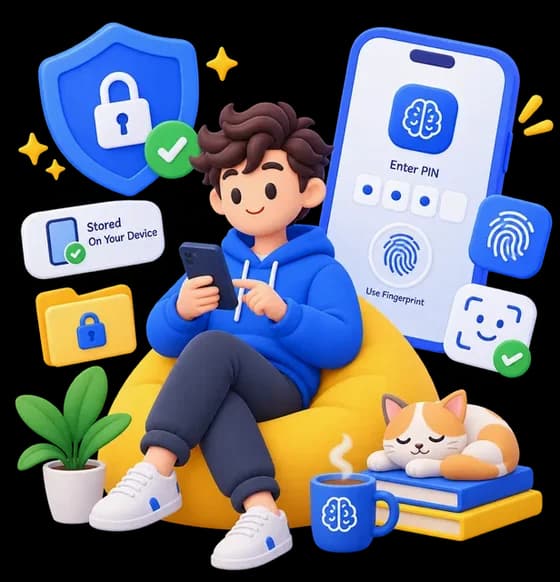
Brain Dump is local-first from the ground up. No account, no cloud sync, no server holding your diary. Just you and your phone.
Optional AI features send only the text or images you choose, directly to Google using your own API key.
Make it yours
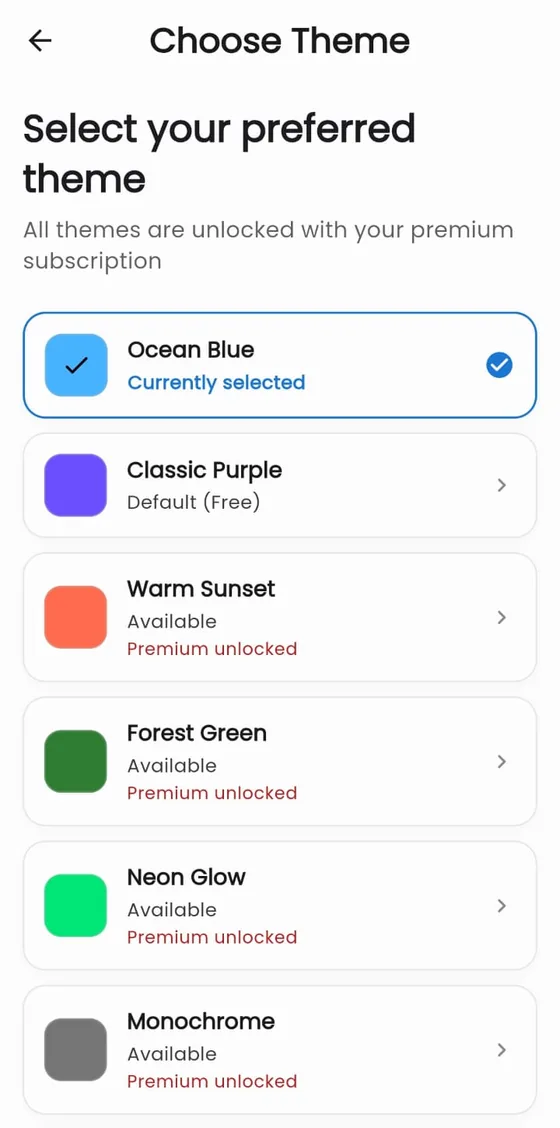
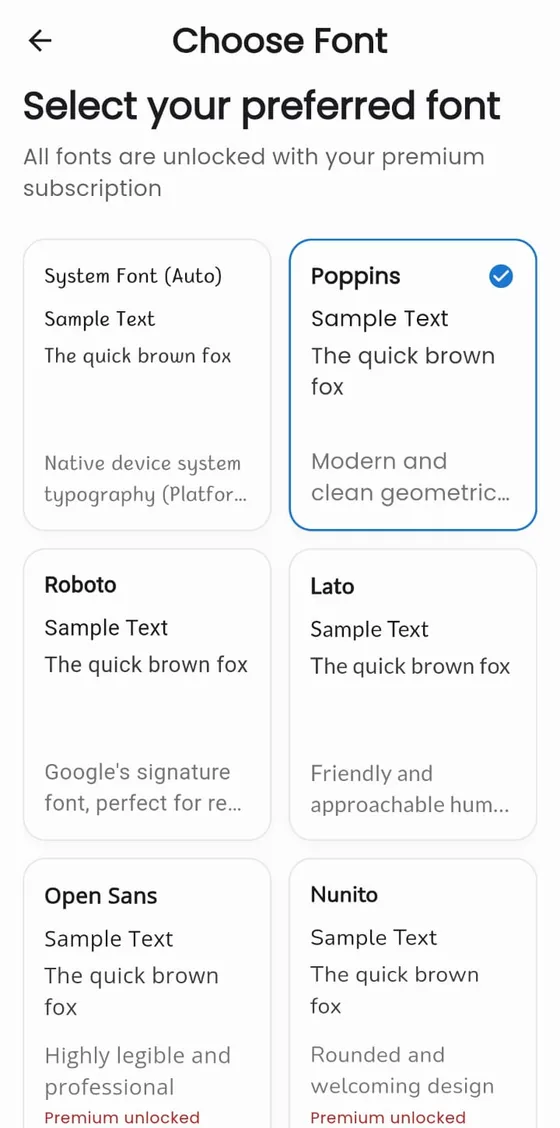
Pick from 25 hand-tuned color themes, 40+ typefaces, light, dark or true-black OLED modes, even a matching app icon.
Ocean Blue
For students
Verify your .edu email and claim 3 months of PRO: no ads, the AI Assistant, and every theme, font and icon.
Brain Dump PRO
The core experience is free. Upgrade whenever you want more, and cancel anytime in Google Play.

Student? See the student offer.
Questions, answered
Yes. Every thought, photo and recording lives only on your device in an encrypted local database. There is no account and nothing is uploaded to our servers. Optional AI features send only the text or images you choose, directly to Google, using your own API key.
No. Capturing, organizing, sketching, tracking moods and locking the app all work offline. You only need a connection for optional extras like the AI assistant and the daily quote.
The core experience is free. PRO removes ads, unlocks the AI Assistant and advanced search, lets you set feelings on your thoughts, and unlocks every icon, font and theme.
Yes, while codes last. Students with a valid .edu email address can claim 3 months (a free 90-day trial) of Brain Dump PRO: verify your school email on the student page and we send you a one-time code to redeem in Google Play. The student page always shows whether the offer is still open.
The free version shows ads (served by Google AdMob) to keep Brain Dump free. Your thoughts are stored on your device and are never sent to advertisers, and PRO removes ads completely.
Brain Dump connects to Google’s Gemini using a free API key that you create yourself in Google AI Studio, which takes about a minute. Your key stays on your device. AI can tidy messy dumps into clear notes, chat about your thoughts and suggest tasks, and you always review changes before they are applied.
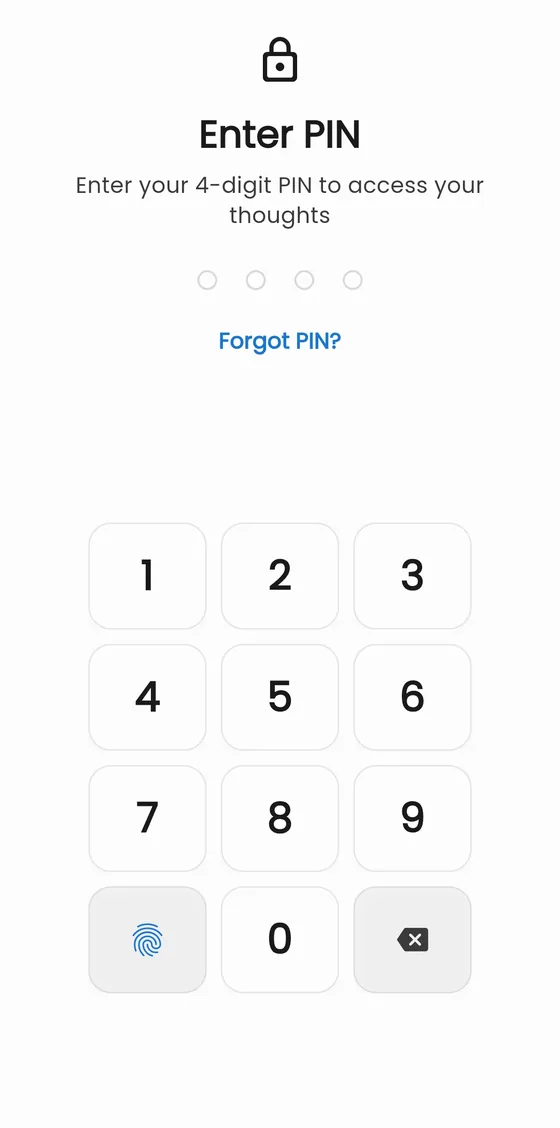
When you set a PIN you also choose a security question. Answer it correctly and you can set a new PIN without losing any data.
Yes. Export everything to a .bdump backup file, optionally protected with a password using AES-256-GCM, and import it on your new device.
Not at the moment. Brain Dump is available for Android on Google Play.
Yes: light, dark and a true-black theme for OLED screens, just like this website. Flip the switch in the top bar to try it.
Join the people who’ve found a calmer way to think. Free on Google Play: no sign-up, no pressure.